The Visualise module in Canvas 2.0 supports six chart types for displaying your survey data. Select the chart type that best suits your data and the story you want to tell.
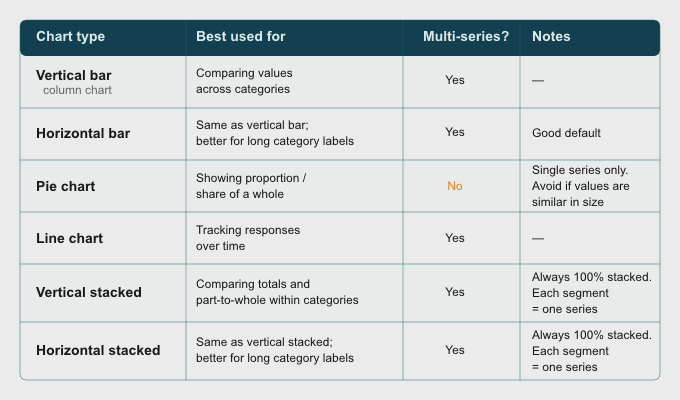
TABLE OF CONTENTS
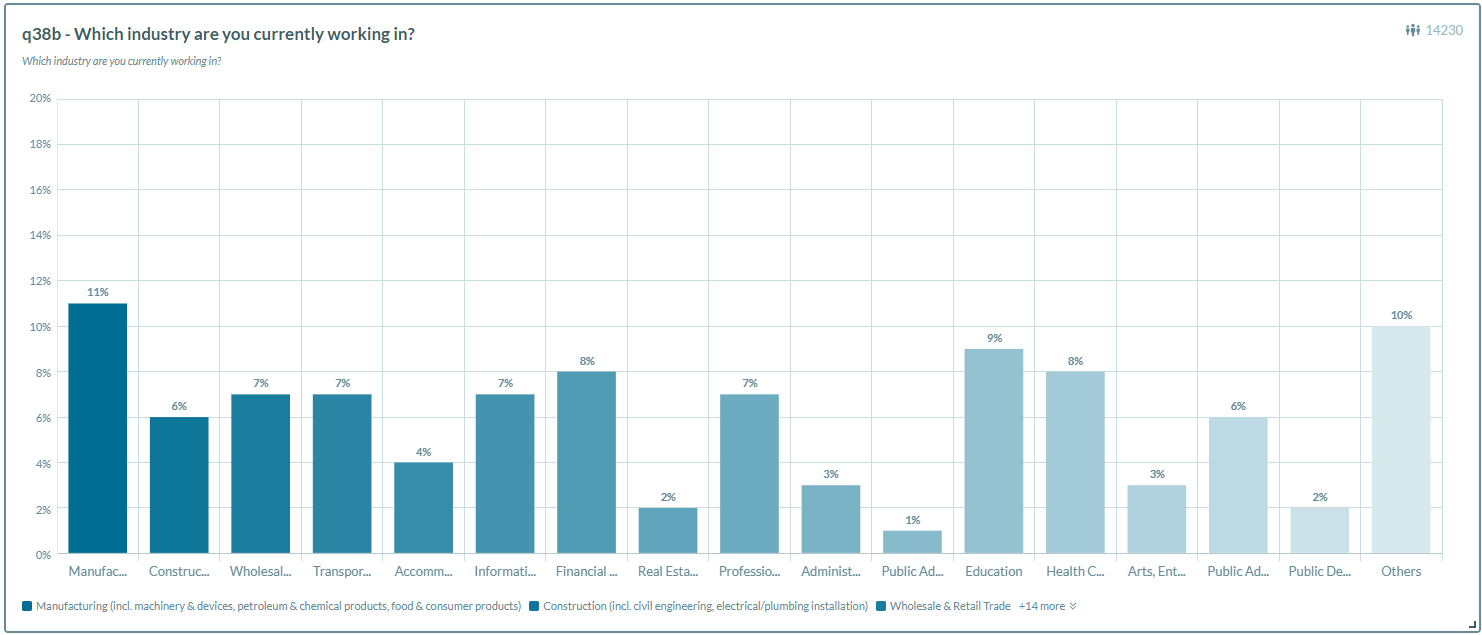
Vertical bar
- Displays data as vertical columns, with each bar representing a response option or category.
- Best used for comparing values across categories.
- Supports multiple data series.
Horizontal bar
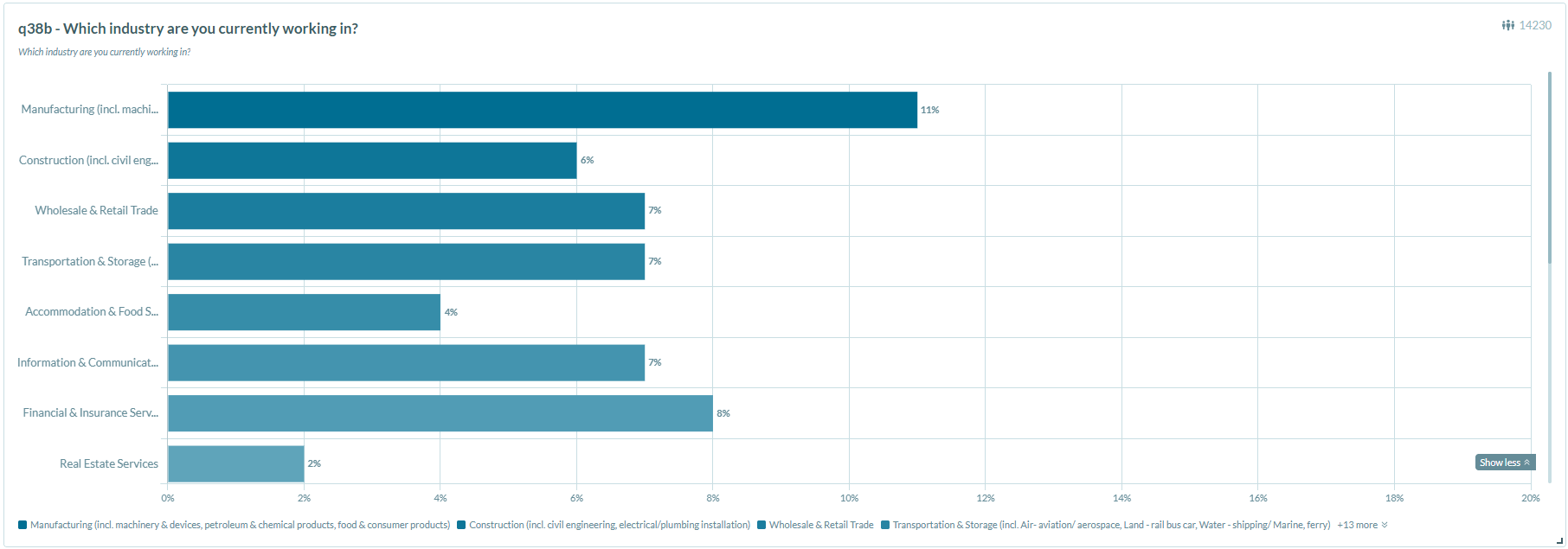
- Displays data as horizontal bars, with each bar representing a response option or category.
- Functions the same as a vertical bar chart, but is better suited for questions with long category labels or a large number of options.
- Supports multiple data series.
Pie chart
- This chart type will only be selectable in the chart builder if the variable type is similarly suitable.
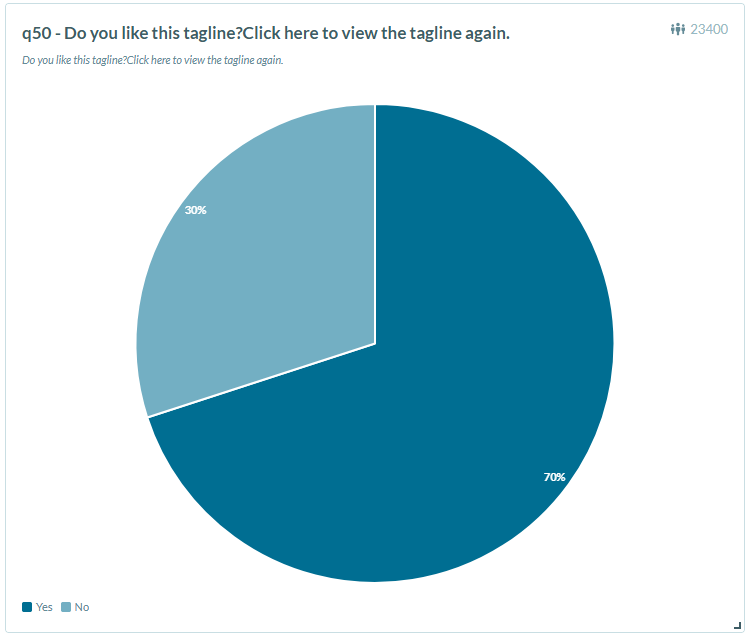
- Displays data as segments of a circle, where each segment represents a response option's share of the total.
- Best used for showing the proportion or share of a whole.
- Supports a single data series only.
*Note: Pie charts are less effective when values are similar in size, as segments become difficult to distinguish.
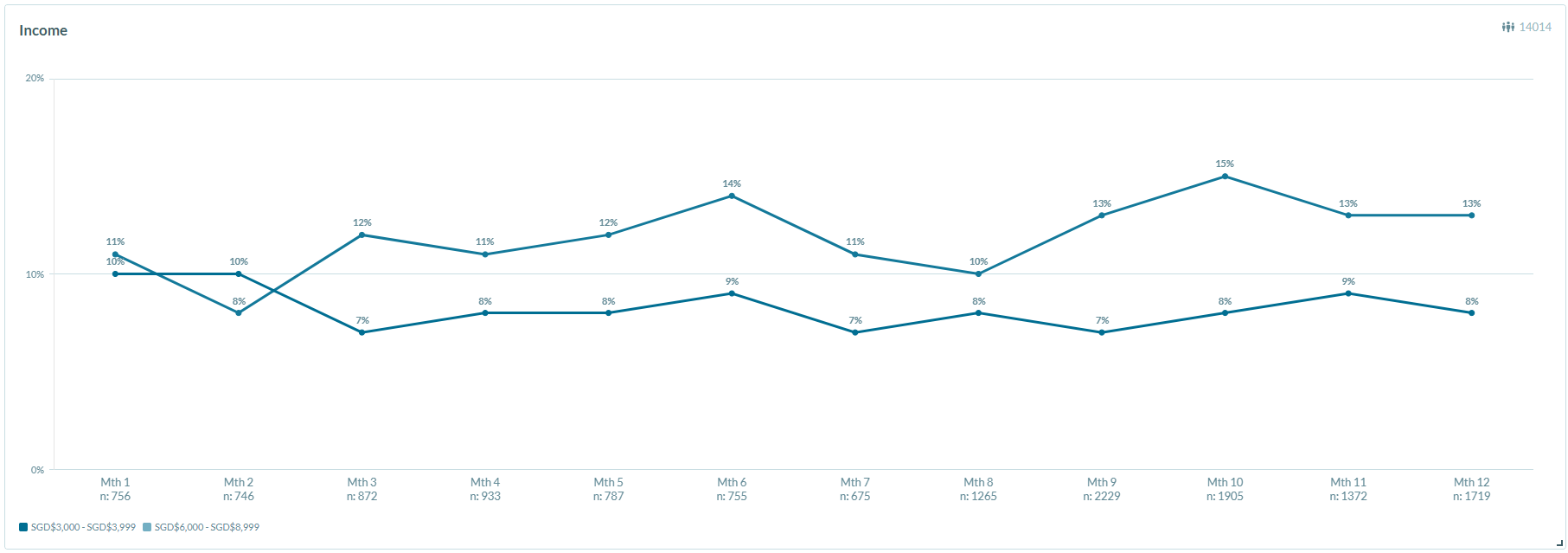
Line chart
- Displays data as a series of points connected by lines.
- Best used for tracking responses over time.
- Supports multiple data series.
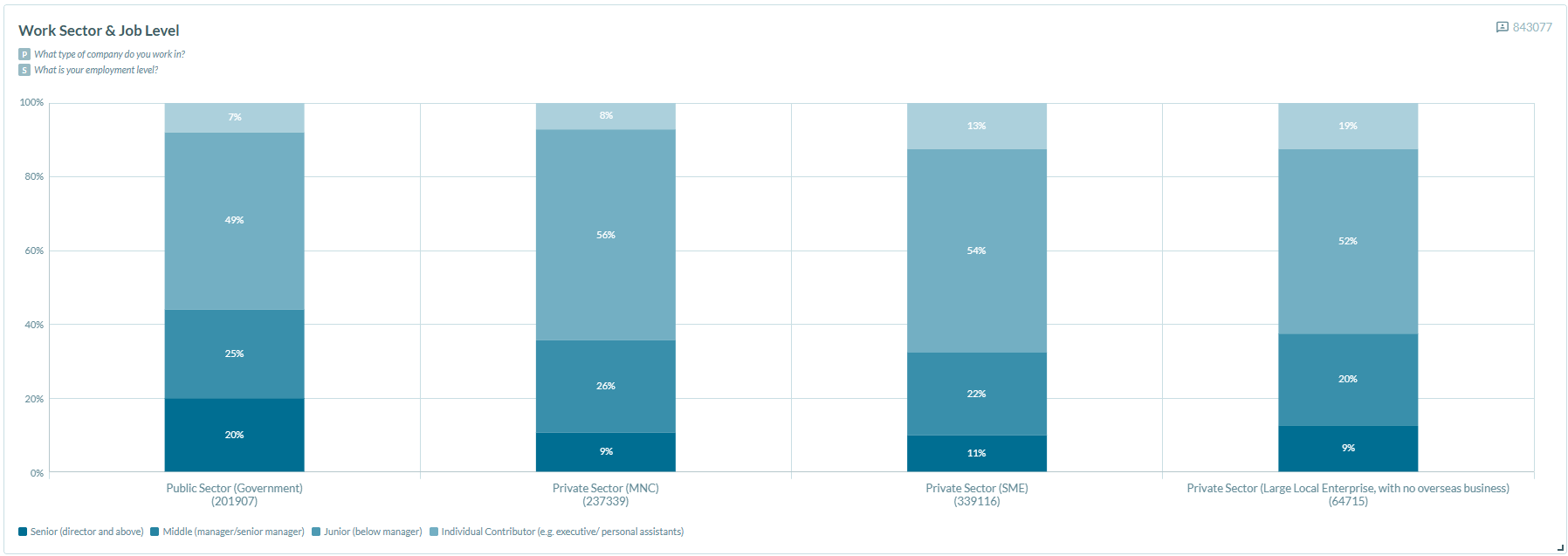
Vertical stacked
- Displays data as stacked vertical bars, where each bar segment represents one data series as a proportion of the total.
- Best used for comparing part-to-whole relationships across categories.
- Always displays as 100% stacked — each segment represents one series.
- Supports multiple data series.
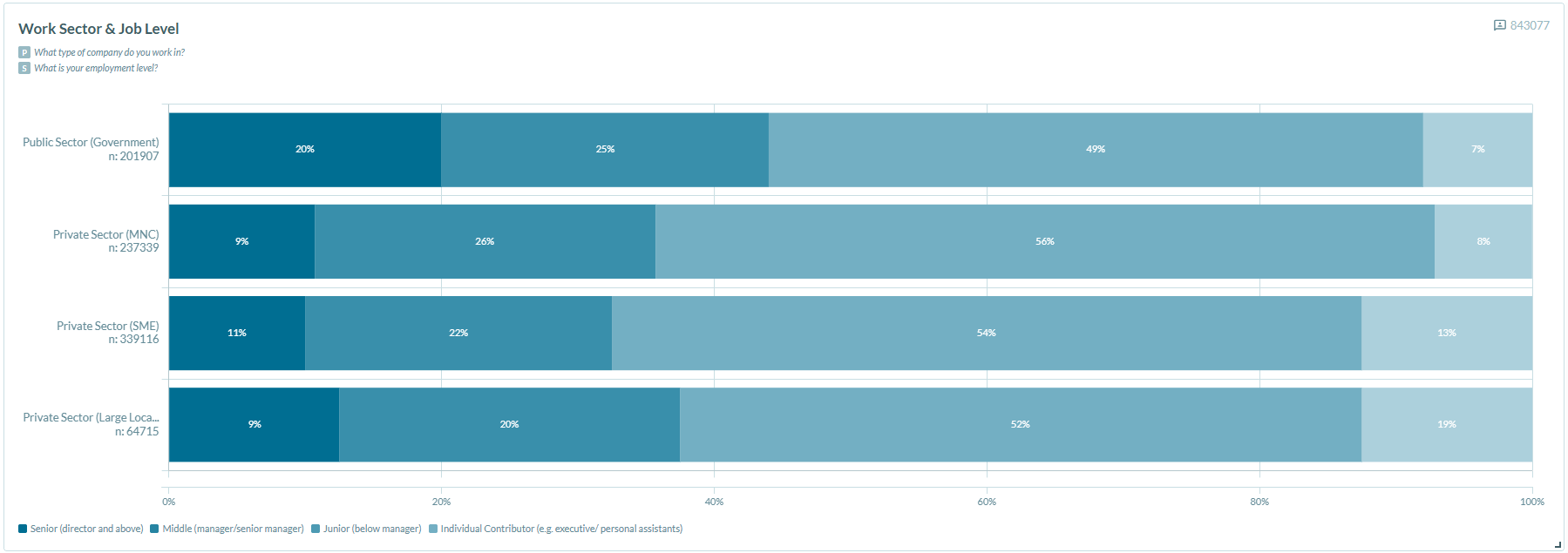
Horizontal stacked
- Displays data as stacked horizontal bars, where each bar segment represents one data series as a proportion of the total.
- Functions the same as a vertical stacked chart, but is better suited for questions with long category labels.
- Always displays as 100% stacked — each segment represents one series.
- Supports multiple data series.
Was this article helpful?
That’s Great!
Thank you for your feedback
Sorry! We couldn't be helpful
Thank you for your feedback
Feedback sent
We appreciate your effort and will try to fix the article